ESP32 How to use an ESP32 with devices

1 x ESP32 monitor/controller 3.3V ESP32 logic and development board ($7.38) See pin outs below |
ESP32 Projects |
|
| How to set up an ESP32 as a basic HTTP Restful API for standalone use |
|
| How to use an EPS32 to measure current with a micro CT for multiple circuits Useful for home automation in wiring closets circuit monitoring |


|
|
Magic Fire Alarm project
Special fully configurable quick detection of fires or frost |
|
| How to connect 1-Wire devices [Section coming soon] |  |
| How to measure temperature with a PT1000 sensor [Section coming soon] | 
|
| How to measure voltage of a battery [Section coming soon] | 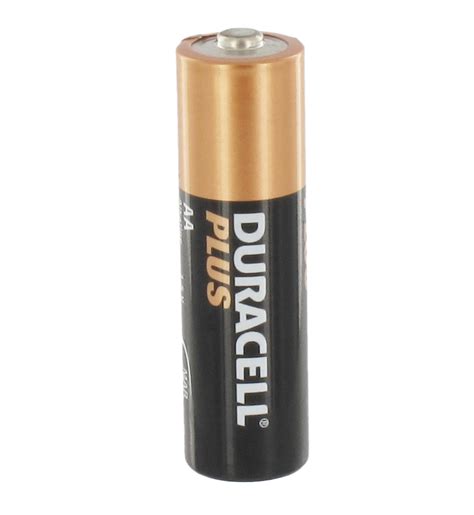 |
ESP32 C3 Super mini Projects |
|
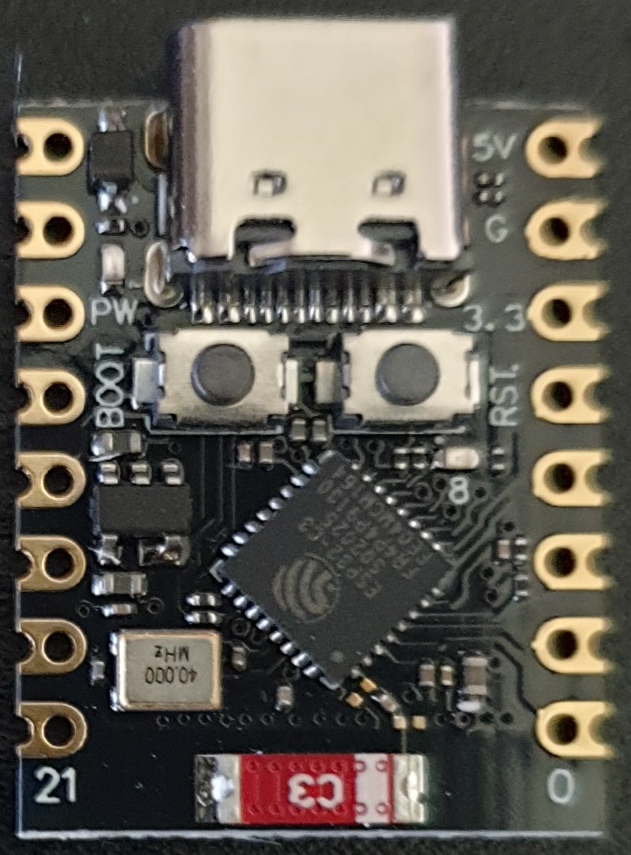
| How to set up an ESP32 C3 Super mini to run on battery |
 |
ESP32D Pin mapping
(click table for installable program guide code)
|
Notes:
Pins VP (GPIO36), VN (GPIO39), D34 (GPIO34), D35 (GPIO35), D32, and D33 are ADC-capable input-only pins. They cannot be used as digital outputs. Pins like D25 and D26 have DAC (digital-to-analog converter) capability. Pins labelled TXD/RXD correspond to the UART serial pins. Pins like D2 (GPIO2) often have an onboard LED on some ESP32 boards. EN is not a GPIO pin; it's the enable (reset) pin. Summary usage: Use the GPIO numbers in code, e.g., digitalRead(34) or digitalWrite(2, HIGH). Do not to use input-only ADC pins as outputs. You can use most of the pins for PWM, SPI, I2C, UART, or digital IO as shown. max GPIO output 12 ma per pin, Use resistors when driving LEDs (eg. 220-330 Ohms). max total 120 ma Input consumption ~50 µA typical No pin tolerates < 0 V or > 3.6 V |